Your website address and notification email
Note when your web address renews, and choose where your back office emails reach you.
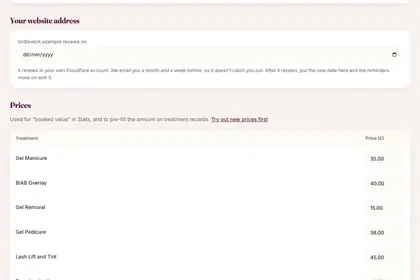
In More, Settings, scroll to "Your website address".
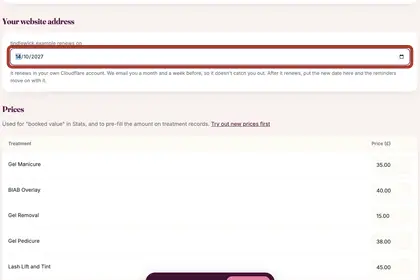
After your address renews, put the new date in the box.
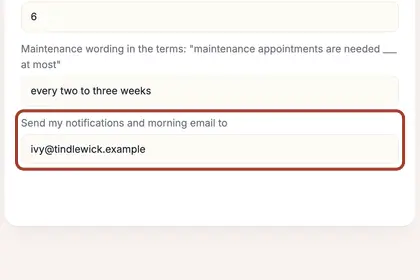
To change where notifications go, find "Send my notifications and morning email to".
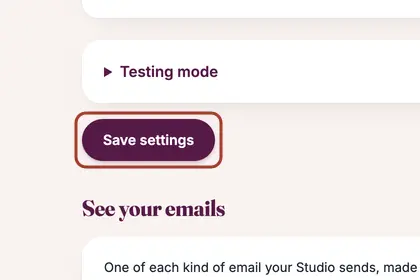
Press "Save settings" at the bottom of the page.
Good to knowHide good to know
We email you a month and a week before your address renews, so it does not catch you out.
Every name in the pictures is made up.
Book a free 30-minute chat
By video. We send you a link; you just tap it.