Your shop front, in your name.
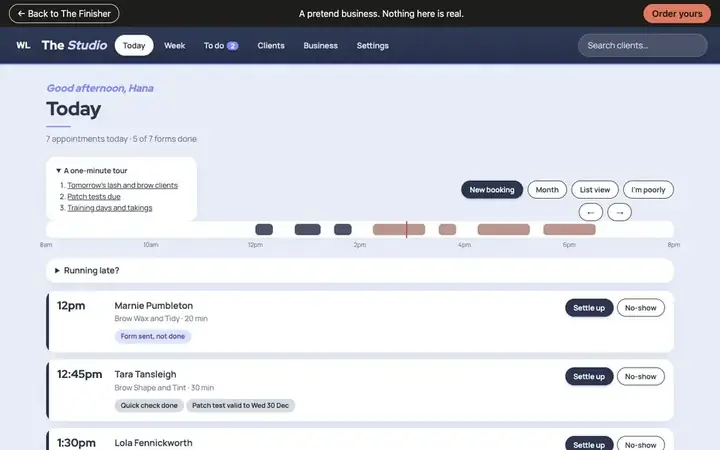
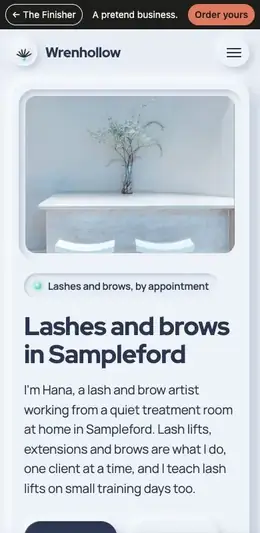
Pages and messages in your name
Every page and message your clients get, in your name and your look.
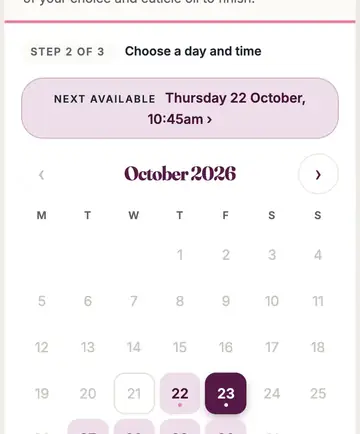
Booking
A booking page on your own website, at your own address, in your look.
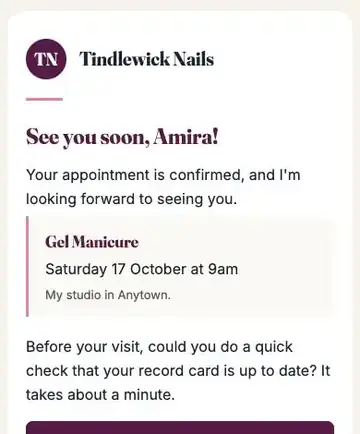
Confirmation
An email from your own address and name, with a calendar file and links to change or cancel.
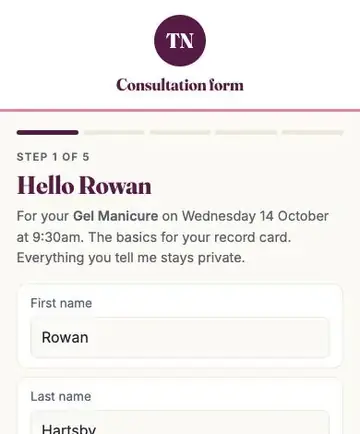
Forms
A consultation or consent form before the visit, chased gently, signed on their phone.
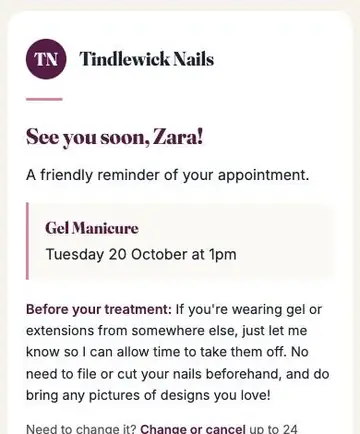
Reminders
By email, and by text if you switch texts on, with links to change or cancel.
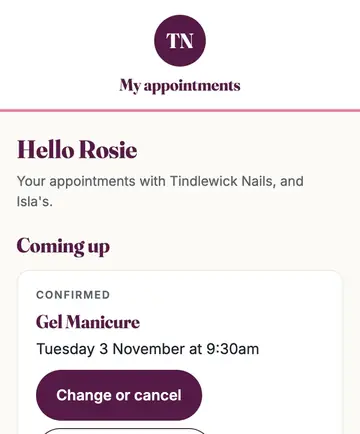
My appointments
Their visits, "book again", vouchers and anything owing, at your own address.
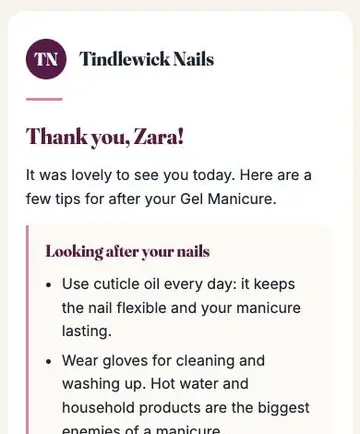
Afterwards
A follow-up, a check-in, a nudge to rebook and a request for a review, in your voice, at the right time.
- Your clients only ever hear from you: no "powered by", and no other company's name in their emails, texts or forms.
- They change, cancel and rebook from their emails, within your cancellation rules, with no account and no password.
- No tracking pixels, no advertisers and no third-party mailing lists.
Questions about your clients
Will my clients get emails from The Finisher?
No. Everything comes from your own address, under your name.
Do you pass my clients' details to anyone?
Only to the providers you hold accounts with, to do the job: hosting, email, payments, and texts or video if you use them. Never to a marketing list or an advertiser. We keep access to your hosting and email accounts so we can look after them for you, and you can remove it at any time.
Can my clients change their own bookings?
Yes, from their emails, with no login. Inside your cancellation window the page asks them to get in touch with you.
You've done the hard part. Let's finish the rest.
Not sure it's right for you?
By video. We send you a link; you just tap it.
Book a free 30-minute chatRather write? [email protected]
Read next: How we set it up for you
See two design directions before you commit. Love neither, and we'll revise the closer one once. If that still isn't right, your deposit comes back in full.