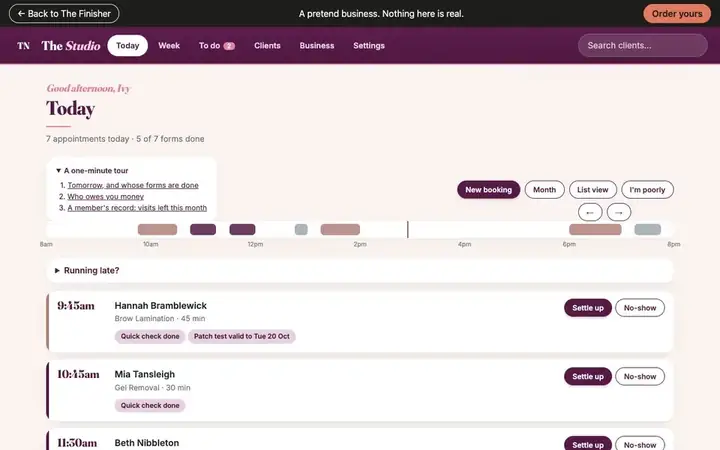
Your diary.
 Look at your week or month
See the whole week or month at a glance, and drag a booking to a new time.
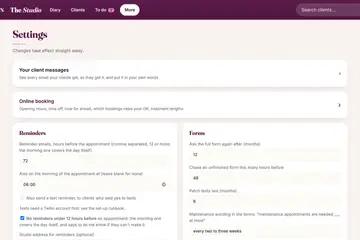 Open or close times
Set the hours clients can book online, and close particular dates.
 Block out time off
Block a holiday, the school run or a training day so no one can book it online.
 Use the waiting list
See who is waiting for a time to come up. They are told by themselves when one does.
 Move or cancel a booking
Move a booking to a new time or cancel it, and the client is told for you.
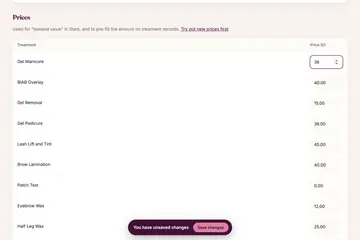 Change prices and treatment times
Prices live in one place and treatment lengths in another, both under Settings.
 Choose which bookings need your OK
Let regulars book straight in while new clients wait for you to say yes.
 Put your diary on your iPhone
Your bookings and requests appear in your phone's Calendar app and keep themselves up to date.
Every name in the pictures is made up.
You've done the hard part. Let's finish the rest.
Book a free 30-minute chat
By video. We send you a link; you just tap it.