Add a client
Add someone who booked outside your website, then send them their form from their card.
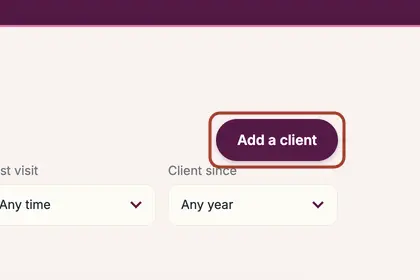
On the Clients page, press "Add a client".
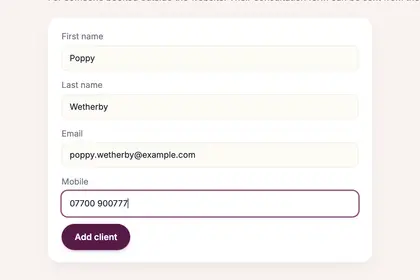
Fill in their first name, last name, email and mobile.
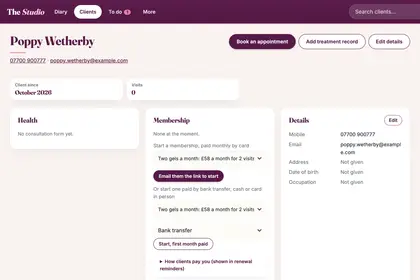
Press "Add client". Their card opens, with buttons to book or send a form.
Good to knowHide good to know
Clients who book on your website are added for you, so this is only for people who book some other way.
Every name in the pictures is made up.
Book a free 30-minute chat
By video. We send you a link; you just tap it.