Waive the cancellation policy for one booking
Let a client off the late cancellation charge, for example if they are unwell.
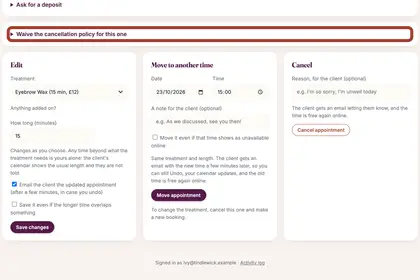
On the full record, find "Waive the cancellation policy for this one".
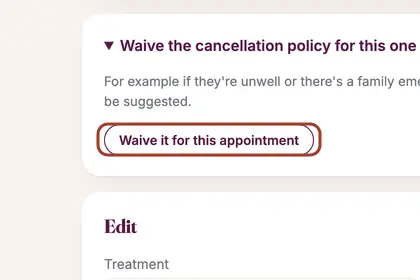
Open it, then press "Waive it for this appointment".
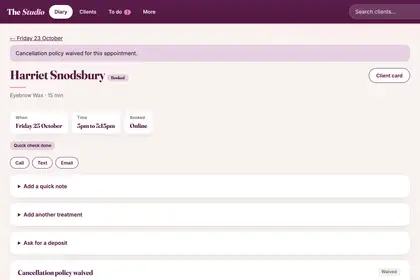
The page confirms the policy is waived for this appointment.
Good to knowHide good to know
The client can then change or cancel online right up to the time, and if they cancel late or do not come, no charge is suggested.
Every name in the pictures is made up.
Book a free 30-minute chat
By video. We send you a link; you just tap it.