Check a client's form
Read what a client has told you, and clear any health answer that needs a look.
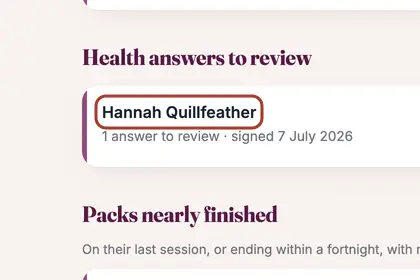
On "To do", under "Health answers to review", click the name.
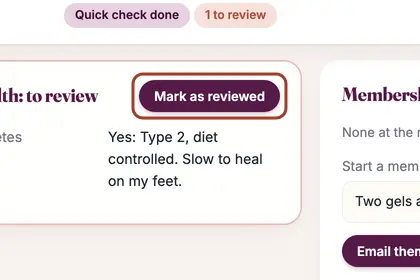
Read the answer, then press "Mark as reviewed" so it leaves your To do.
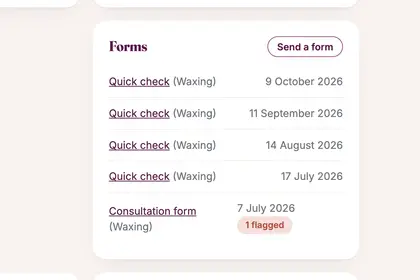
Every form they have signed is listed under Forms, newest first.
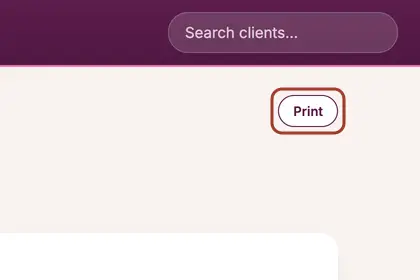
Each answer and the signing time are shown. Press Print for a copy.
Good to knowHide good to know
In your Diary, a sign on a booking says the form is not done yet. Anyone who has not filled it in appears on To do under "Forms not done yet".
Every name in the pictures is made up.
Book a free 30-minute chat
By video. We send you a link; you just tap it.