See your takings
Money in, expenses and profit for the tax year, month by month, with a pack for your accountant.
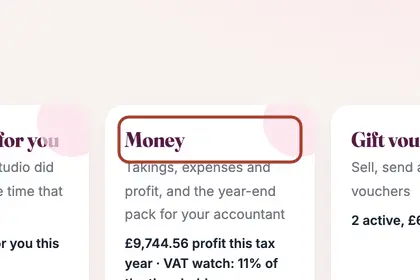
In More, press "Business", then "Money".
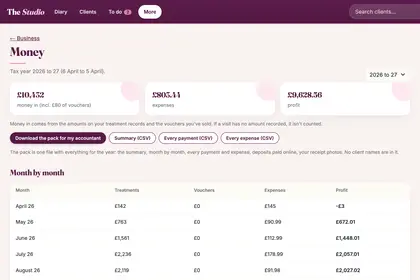
The top shows money in, expenses and profit for the tax year.
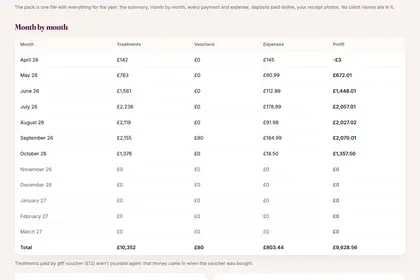
"Month by month" breaks it down into treatments, vouchers, expenses and profit.
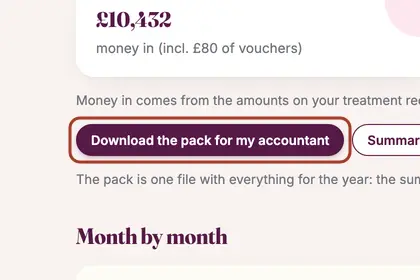
Press "Download the pack for my accountant" for one file with the whole year.
Good to knowHide good to know
Money in comes from the amounts on your treatment records and the vouchers you have sold. If a visit has no amount recorded, it is not counted. The accountant's pack has no client names in it.
Every name in the pictures is made up.
Book a free 30-minute chat
By video. We send you a link; you just tap it.