Choose which bookings need your OK
Let regulars book straight in while new clients wait for you to say yes.
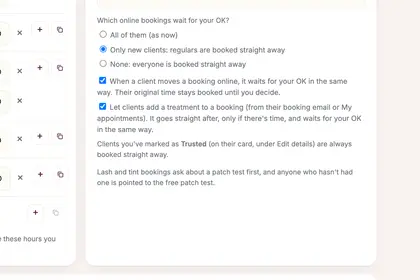
On "Online booking", find "Which online bookings wait for your OK?".
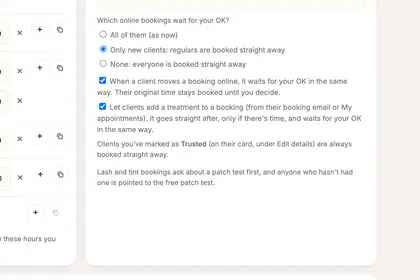
Choose "All of them", "Only new clients" or "None".
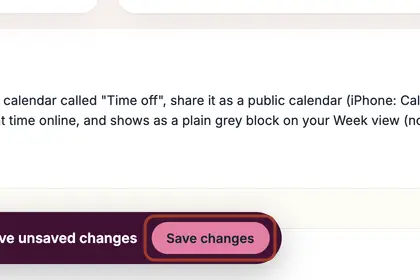
Press "Save changes" on the bar that appears at the bottom.
Good to knowHide good to know
A client you have marked as Trusted (on their card, under Edit details) is always booked straight away. When a client moves a booking online, it waits for your OK in the same way.
Every name in the pictures is made up.
Book a free 30-minute chat
By video. We send you a link; you just tap it.