Ask for a review
Add your Google review link once and your back office asks clients for you.
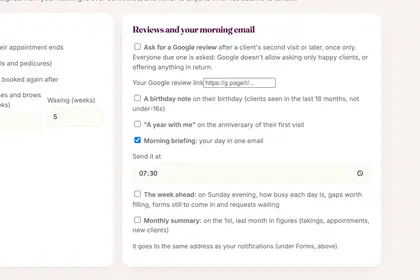
In More, Settings, scroll to "Reviews and your morning email".
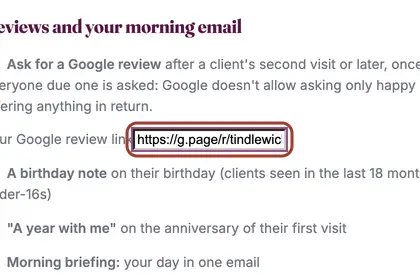
Tick "Ask for a Google review" and paste your Google review link.
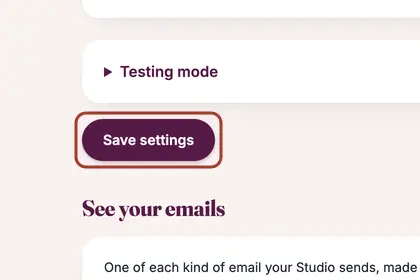
Press "Save settings" at the bottom.
Good to knowHide good to know
The request goes out by itself after a client's second visit or later, once only. Everyone due one is asked: Google does not allow asking only happy clients, or offering anything in return.
Every name in the pictures is made up.
Book a free 30-minute chat
By video. We send you a link; you just tap it.