Close a day when you're poorly
Close a day, or a few, and everyone booked is told kindly and offered another time.
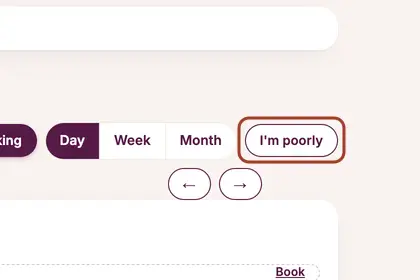
On your Diary, press "I'm poorly".
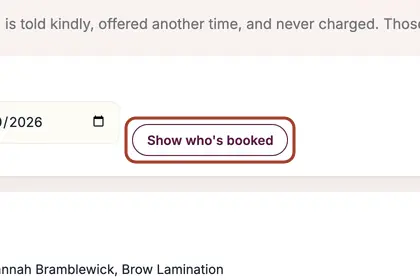
Choose the first and last day you are off, then press "Show who's booked".
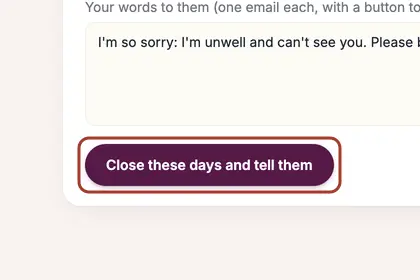
See who will be told, then press "Close the day and tell them".
Good to knowHide good to know
Nobody is charged, and the days you close are blocked online so no one new can book them.
Every name in the pictures is made up.
Book a free 30-minute chat
By video. We send you a link; you just tap it.