Sell a gift voucher
Make a voucher for someone who paid you in person, email it to them, and take it off later when it is used.
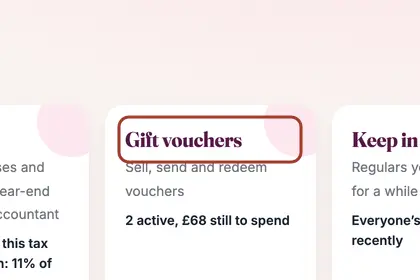
In More, press "Business", then "Gift vouchers".
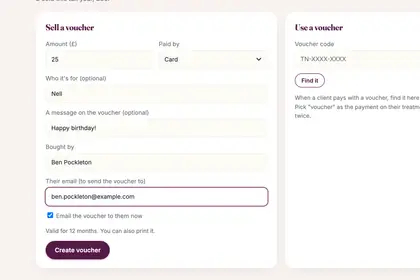
Type the amount, who it is for and who bought it.
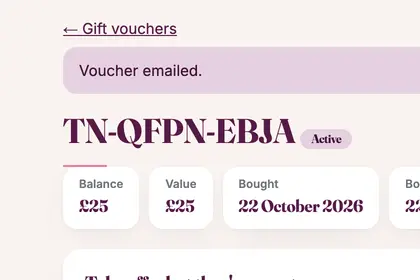
Press "Create voucher". It gets a code, valid for 12 months.
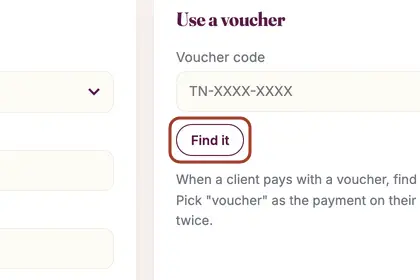
To use a voucher, type its code under "Use a voucher" and press "Find it".
Good to knowHide good to know
A voucher bought on your website appears in this list by itself, and you are emailed (this needs card payments set up). Pick "Gift voucher" as the payment when you settle up, so it is not counted twice.
Every name in the pictures is made up.
Book a free 30-minute chat
By video. We send you a link; you just tap it.